
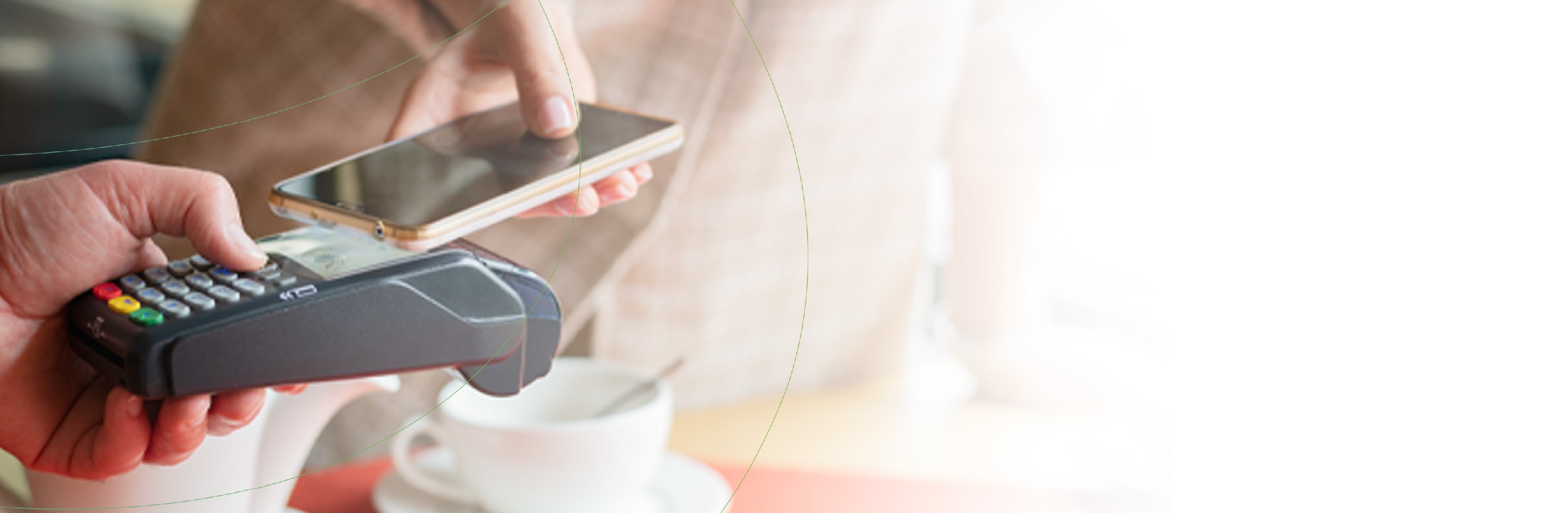
A digital service that allows you to use your Card electronically to make contactless payments through a smartphone, instead of using your plastic card. This way, you can save the hassle of carrying multiple cards in your wallet.
Dhofar-Pay
For the first time in Oman, Pay with your smartphone
Activate Dhofar-Pay on your android phone in just a few steps! Click here to know how.
The email address is invalid
Frequently Asked Questions
A digital service that allows you to use your Card electronically to make contactless payments through a smartphone, instead of using your plastic card. This way, you can save the hassle of carrying multiple cards in your wallet.
Near Field Communication or NFC is a method of wirelessly transmitting data using radio waves. “Dhofar Pay” Wallet uses NFC to wirelessly transmit payment data to payment terminals with NFC readers that have been activated for use.
- You should be a Bank Dhofar Customer
- You should have Bank Dhofar mobile banking user account (if not! Then download the APP and create a new user account today!)
- You should be holding an active Bank cards (your cards should be valid for use- not blocked or inactive!)
- Make sure your device NFC option is enabled under setting
- Make sure device has been authenticated / you have set (PIN / touch-ID/face-ID) and should be enabled on device setting
It is secure, however we recommend you consider the following:
- Take reasonable precautions to keep your Card and security details to prevent loss, theft or fraudulent use; safeguard your device and keep them under your personal control at all times;
- Do not allow anyone else to use or log on to your device
- Do not store anyone else's fingerprint or biometric credentials in your device;
- Do not choose obvious numbers as password or pin for your device
- Change the password or pin for your device regularly
- For more details around security recommendations and disclosure on liability for unauthorized use, please refer to the terms and conditions as provided on Dhofar-Pay under Bank App
All Bank Dhofar MasterCard & Visa Credit Cards and Debit Cards can be used on DhofarPay Wallet.
Yes.
Dhofar-Pay uses Near Field Communication (NFC) to make contactless mobile payments. In order to use Dhofar-Pay, make sure that the NFC is enabled in your mobile phone’s settings.
To make payment using Dhofar-Pay you need to activate your linked card in the Dhofar-Pay menu available in your Bank Dhofar mobile Banking app and then enjoy convenient and safe payments by:
- Unlocking the device and tapping on the payment terminal.
- Selecting the Tap & Pay option from the pre-login screen.
- Selecting the “Pay Now” option from the post login screen on the cards listing screen inside the Dhofar-Pay menu.
Dhofar-Pay does not require internet to process your payment. You may simply unlock your device and tap on the payment terminal to make a payment in a jiffy.
Not currently. Dhofar-Pay is focused on enabling simple & secure in-store payments. However, you can always use your Bank Dhofar debit & credit cards and your Bank Dhofar mobile banking app & Internet Banking for online & in-app purchases.
Its shows 3 min (but its immediately activated)
Your card will be activated immediately once you click on the activate option for your selected card (Debit or Credit) from Dhofar-Pay menu that is available on your mobile banking app. You may activate multiple cards and enjoy a seamless payment experience using Dhofar-Pay.
Your Dhofar-Pay transactions will be declined if your card is temporarily blocked or suspended. However, once your physical card is unblocked, you will be able to use your Dhofar-Pay without the need of any additional configuration or setup.
Terms and Conditions
Dhofar Pay Terms and Conditions
Download